Electric shading
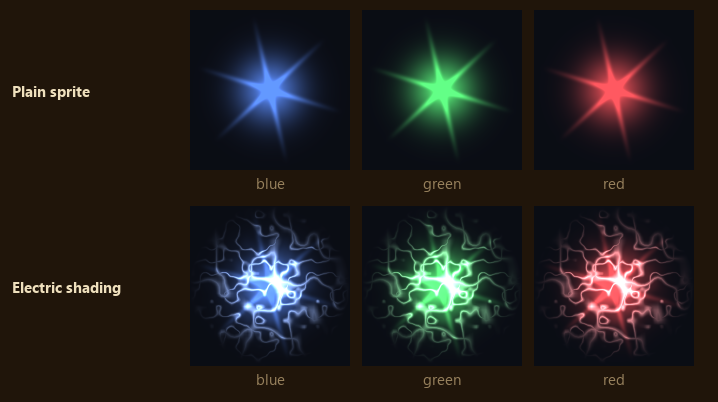
Arcs take the sprite's own colour halfway to white, so blue, green and red effects keep their hue.
Arcs
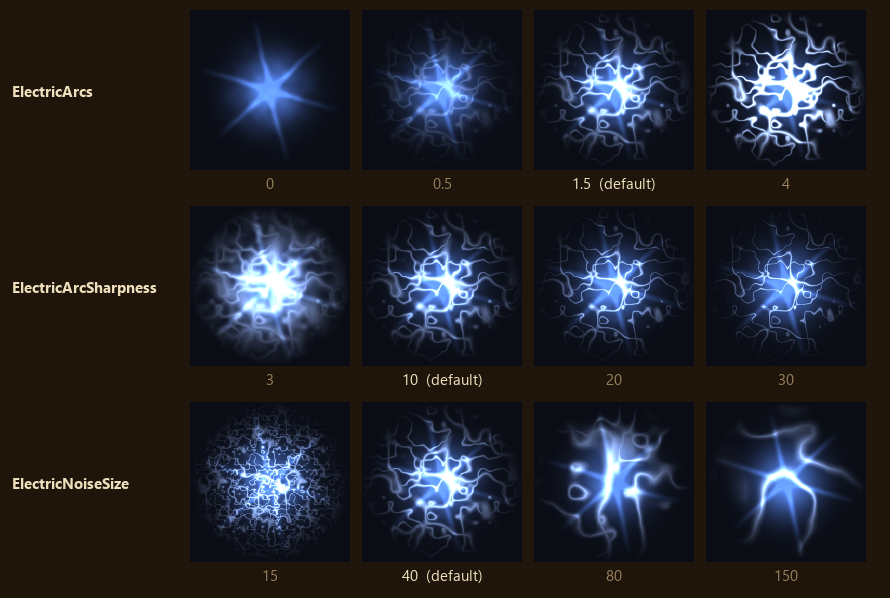
ElectricArcs = 1.5Arc brightness. 0 turns the arcs off, leaving jitter and flicker. Past 4 the arcs wash the sprite white.ElectricArcSharpness = 10Arc thickness. Low values give broad glowing bands, high values thin threads. Past 30 threads break into dots.ElectricNoiseSize = 40World units across one tile of arc noise. Smaller gives more, closer arcs. It is measured in the world, not per sprite, so a big effect carries more arcs than a small spark.
Jitter and flicker
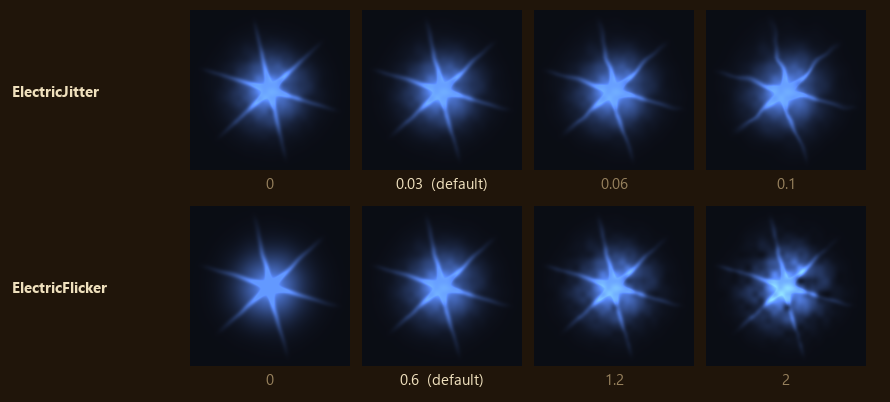
ElectricJitter = 0.03How far the texture jumps each crackle, in texture widths. It bends the flare's rays and edges.ElectricFlicker = 0.6How far brightness swings, as a fraction. It varies across the sprite and from crackle to crackle. Past 2 the dim patches go black.
Crackle rate
Each crackle moves the noise to a fresh spot, so arcs, jitter and flicker all change at once.
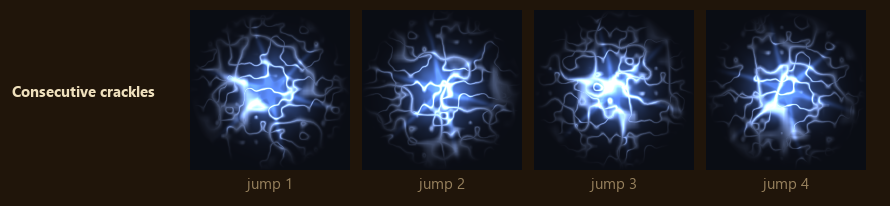
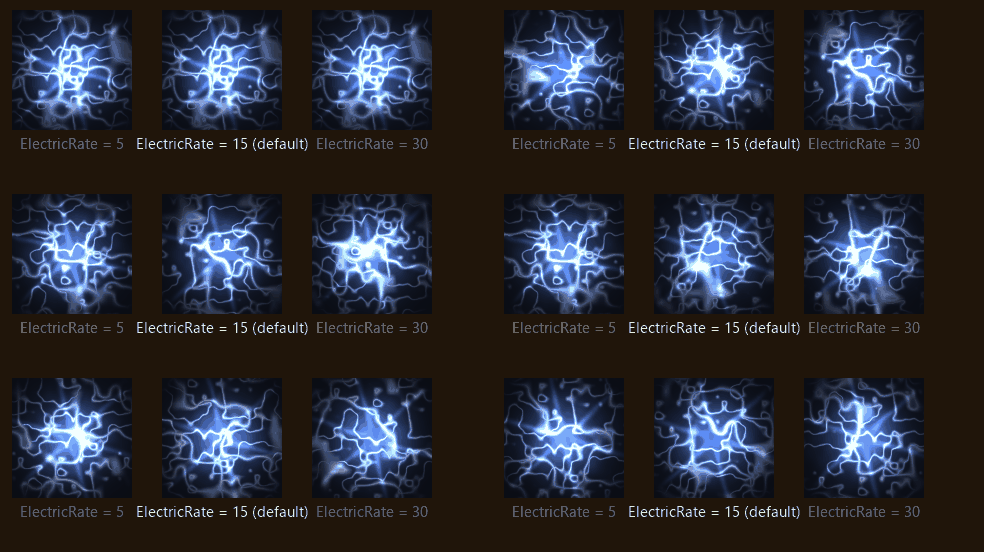
ElectricRate = 15Crackles per second. 0 freezes the arcs in place. Above the frame rate every frame crackles, so higher values look the same.
Distance
The pitched camera sees the top of the screen from much further away than the bottom, and zooming
out moves everything further still. Past the default camera's distance, CameraHeight over the
sine of CameraPitch, arcs widen with distance so they stay at least a pixel or two wide. Without
that they would thin to broken, shimmering dots.
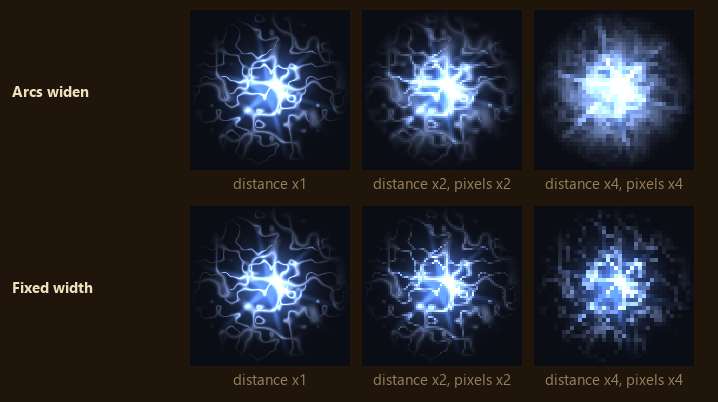
There is no key for this. It follows CameraHeight and CameraPitch.